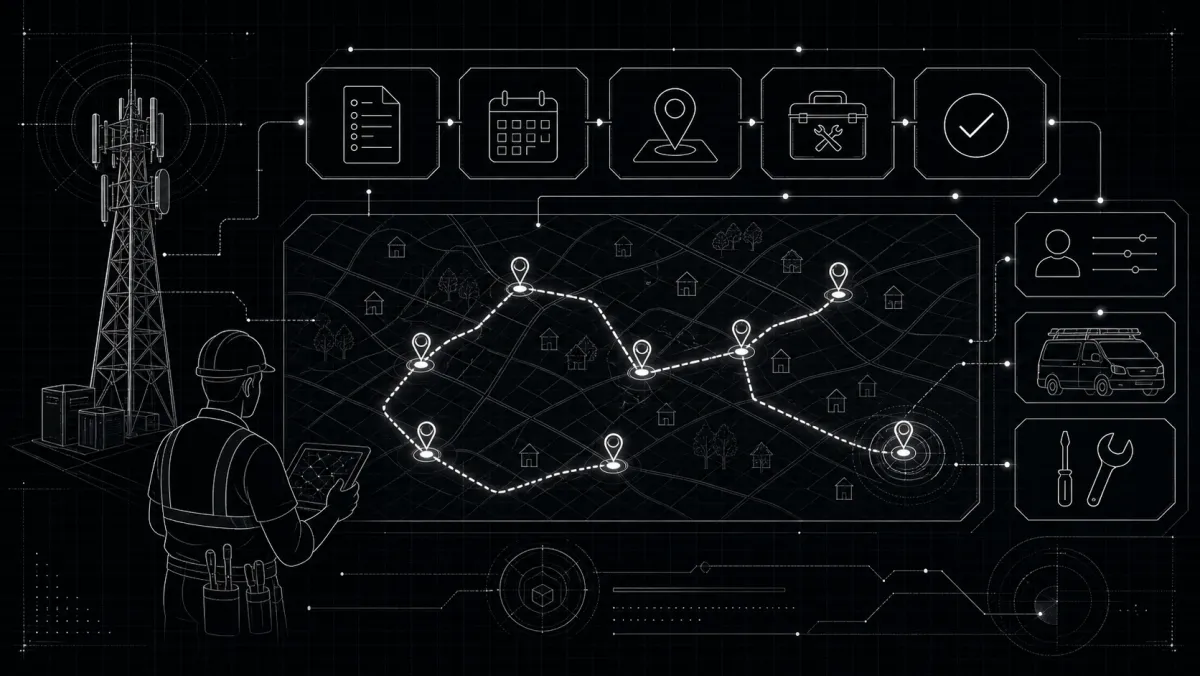
Your technician shows up to a job without the right equipment. Spends 30 minutes figuring out what's where. Then realizes he can't access the tower. Then spends another hour on a problem that should have taken 15 minutes.
Sound familiar?
Field technicians are your most expensive resource. Every hour they waste costs you money - and every job they do efficiently adds to your profit.
This guide shows you how to optimize field workflows: get more jobs done, reduce errors, and make your team more effective.
The Field Technician Problem
Current State
Typical day for an ISP technician:
- 4-5 appointments
- 1-2 hours travel time total
- 30-60 minutes per installation
- Plus: looking for equipment, calling office, dealing with issues
What's Lost
| Issue | Time Lost | Daily Cost |
|---|---|---|
| Searching for equipment | 30 min/job | 2 hours |
| Travel inefficiency | 30 min/day | 1.5 hours |
| No job context | 15 min/job | 1 hour |
| Communication delays | 15 min/job | 1 hour |
Total wasted: 5+ hours per technician per day
That's HALF their day.
Optimizing Field Workflow
1. Pre-Job Preparation
Before the van leaves:
Job Packet Should Include:
- Client name, address, contact info
- Service details (package, equipment)
- Special instructions (gate codes, hours)
- History (previous issues, notes)
- Equipment needed (from inventory)
Tech should know:
- What's the job?
- What equipment do I need?
- Any access issues?
- Who am I calling first?
2. Smart Route Optimization
Stop driving across town 4 times:
Group jobs geographically:
- Morning: Zone A
- Afternoon: Zone B
- Same-day additions: adjacent zones only
Use routing tools:
- Google Maps route optimization
- ServiceTitan (paid)
- Jobber (paid)
- Simple spreadsheet for small teams
3. Mobile Access
Technicians in the field need:
- View job details on phone
- Update job status
- Access client history
- Check inventory
- Update notes
- Capture signatures/photos
- Communicate with office
No calling back to the office for basic info.
4. Inventory On-The-Go
The biggest time-waster: wrong equipment.
Solution: Mobile inventory check
- Tech scans barcode before leaving
- System says: "You need Router X, Serial Y from Bin Z"
- Van stock tracked in real-time
5. Real-Time Communication
Stop playing phone tag:
Tools:
- Slack/Teams for quick messages
- WhatsApp groups by zone
- Dedicated apps (Jobber, etc.)
Process:
- Job starts → status update
- Issue → photo + note to office
- Complete → automatic client notification
- Parts needed → office finds, tech picks up
Field Workflow Best Practices
Do's
✅ Daily standup - 10 min morning meeting, assign jobs
✅ Job preview - tech knows the job before leaving
✅ Mobile access - all info in their pocket
✅ Inventory prep - equipment ready before van leaves
✅ Zone grouping - minimize travel time
✅ Status updates - know where everyone is
Don'ts
❌ Vans leaving empty - always check equipment
❌ Blind jobs - tech should know context
❌ No photos - document everything
❌ Paper tickets - digital only
❌ Phone-only communication - can't track anything
❌ Reactive only - plan the next day by 5 PM
Job Types and Time Estimates
Installation
- Standard residential: 45-60 min
- Complex (multiple devices): 90-120 min
- Fiber drop: 60-90 min
Service Call
- Basic troubleshooting: 30 min
- Equipment swap: 20 min
- On-site issue: 60+ min
Maintenance
- Tower check: 30-45 min per site
- Equipment swap: 15-30 min
- Line repair: varies
Track these. If a job consistently takes longer, investigate why.
Measuring Field Efficiency
| Metric | Target | What It Tells You |
|---|---|---|
| Jobs per day | 4-6 | Productivity |
| Avg job time | <60 min | Efficiency |
| Travel time | <90 min/day | Routing |
| First-visit fix rate | >85% | Prep quality |
| Parts returns | <10% | Inventory accuracy |
Tools for ISP Field Management
Basic (Free/Low Cost)
- Google Sheets - job tracking
- WhatsApp - communication
- Google Maps - routing
ISP-Specific
- ISPBox - integrated with billing/inventory/maps
ISPBox Field Features
ISPBox helps with field operations:
Work Orders
- Create from tickets, leads, or directly
- Assign to technicians
- Track status: Assigned → In Progress → Complete
- Attach client history
- Include equipment needs
Inventory Integration
- Check equipment availability
- Auto-deduct from van stock
- Track what tech has
- Return unused items
Ticket Integration
- Work order links to ticket
- Status syncs
- Notes shared
- Resolution tracked
Mobile Access
- Responsive design works on phone
- View jobs, update status
- Access client info
- Update from field
Getting Started: 30-Day Plan
Week 1: Assessment
- Track current job times for 1 week
- Map your zones
- List time-wasters
Week 2: Basic Optimization
- Set up daily job assignment
- Create job preparation checklist
- Group jobs by zone
Week 3: Mobile Tools
- Enable mobile access
- Train techs on mobile workflow
- Test job updates
Week 4: Integration
- Connect work orders to tickets
- Link inventory to jobs
- Track metrics
Common Field Mistakes
Mistake #1: No Job Prep
Tech shows up blind.
Fix: Every job gets a preview packet the night before.
Mistake #2: Inventory Disconnect
Tech doesn't know what's in the van.
Fix: Checkout system for equipment.
Mistake #3: No Status Updates
Office doesn't know job progress.
Fix: Require status updates: Started → Working → Complete.
Mistake #4: Zone Ignorance
Jobs scattered randomly.
Fix: Group by geography. Minimize travel.
The Bottom Line
Your field technicians are your most valuable asset. Every minute they waste driving, searching, or waiting costs you directly.
The fix isn't complicated:
- Prepare jobs the night before
- Give them mobile tools
- Group by zone
- Track inventory
- Communicate in real-time
Start with one change. Measure. Improve.
Optimize your field operations with ISPBox work orders and inventory. Integrated with billing, tickets, and client management.
Check our Blog for more ISP operational guides.