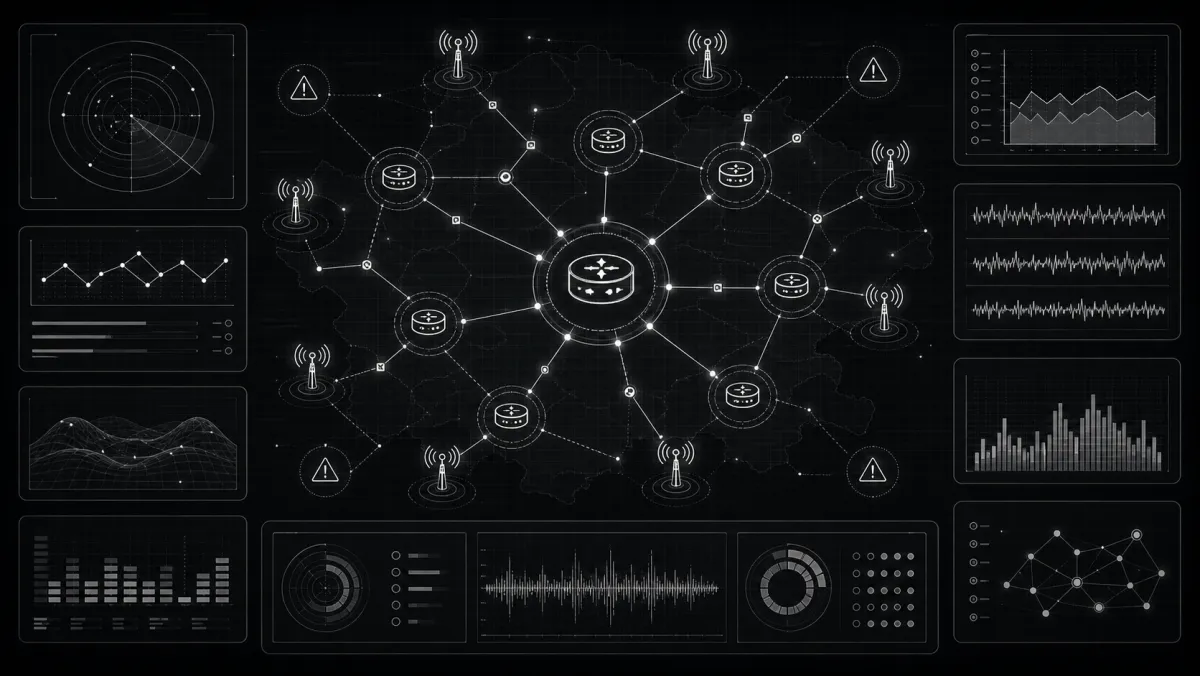
Your phone rings at 2 AM. A customer complains their internet is down. You drag yourself out of bed, try to figure out what's happening, call your technician, and three hours later you're still troubleshooting.
Sound familiar?
This is what happens without network monitoring. You're always reactive - never proactive. Customers are upset before you even know there's a problem.
The good news? You don't need enterprise budgets to monitor your network. This guide shows you the basics - what to monitor, how to set it up, and why it matters.
Why Monitoring Matters (More Than You Think)
The Cost of Unmonitored Downtime
Let's do some math:
| Scenario | Without Monitoring | With Monitoring |
|---|---|---|
| Tower goes down at 2 AM | Customer calls at 6 AM → 4 hours undetected | Alert at 2:01 AM → fix in 30 min |
| Slow degradation | 50 complaints before you notice | Alerts before customers call |
| Recurring issue | Unknown cause, keeps returning | Pattern visible, fixable |
Real impact:
- Average downtime without monitoring: 4-6 hours
- Average downtime with monitoring: 30-60 minutes
- Customer satisfaction: Dramatically higher when you call them, not the other way around
What Monitoring Gives You
- Speed - know about problems before customers do
- Context - understand what's affected, prioritize accordingly
- Trends - spot degradation before it becomes failure
- SLA proof - demonstrate uptime for business customers
- Peace of mind - sleep better at night
What Should You Monitor?
Critical Monitoring Points
| Layer | What to Monitor | Why |
|---|---|---|
| Internet Uptime | Gateway router, WAN link | Is your connection up? |
| Core Infrastructure | OLTs, main switches | Backbone connectivity |
| Towers/APs | Each sector, PTP links | Customer connectivity |
| Services | RADIUS, DHCP, DNS | Authentication, addressing |
| Customer CPE | Sample of routers/ONTs | Last-mile health |
Key Metrics
| Metric | What It Tells You |
|---|---|
| Uptime % | Availability over time |
| Response time | Latency, network speed |
| Packet loss | Connection quality |
| CPU/Memory | Device health |
| Interface errors | Hardware issues |
Monitoring Methods for Small ISPs
1. Simple Ping Monitoring
The basics: ping devices, alert if they don't respond.
Tools:
- PRTG (free for small networks)
- UptimeRobot (cloud-based, free tier)
- LibreNMS (free, self-hosted)
- ISPBox built-in monitoring
Setup:
- Ping every device every 1-5 minutes
- Alert after 3-5 failed pings (avoid false alarms)
- Alert via email, SMS, or webhook
2. SNMP Monitoring
More advanced: get actual metrics from devices.
What SNMP tells you:
- Interface bandwidth usage
- CPU/Memory utilization
- Temperature
- Power supply status
- Uptime counters
Tools:
- LibreNMS (best free option)
- Zabbix (powerful, steeper learning curve)
- SolarWinds (paid, full-featured)
3. Cloud-Based Monitoring
Easiest to start: outsource the monitoring.
Options:
- UptimeRobot - simple ping/HTTP monitoring
- Pingdom - full-featured, paid
- Datadog - enterprise-grade, expensive
4. ISPBox Built-In Monitoring
ISPBox includes basic monitoring:
- ICMP ping checks - continuous uptime verification
- Dashboard status - visual indicators
- Alert rules - customize notifications
- Client impact view - see affected customers
Setting Up Your Monitoring (Step by Step)
Step 1: Identify Critical Devices
Start with:
- Internet gateway/router
- Core switches
- OLTs (if fiber)
- Each tower backhaul
- Key access points
- Authentication servers (RADIUS)
Don't try to monitor everything at once. Start critical, expand later.
Step 2: Choose Your Tool
| Scenario | Recommended Tool |
|---|---|
| <50 devices, want simplicity | UptimeRobot |
| <200 devices, want free | LibreNMS |
| Already using ISPBox | ISPBox built-in |
| Enterprise needs | Zabbix or paid solution |
Step 3: Set Up Alerts
Golden rules:
- Alert after 3-5 failures (avoid flapping)
- Use multiple alert channels (email + SMS)
- Set up escalation if no response
- Night/weekend coverage for critical issues
Step 4: Create Response Procedures
Monitoring without response = alarm fatigue.
For each alert type:
- What's the likely cause?
- Who responds?
- What's the first troubleshooting step?
- When to escalate?
Alert Best Practices
Don'ts
- Don't alert on every single failure
- Don't use only email (people miss it)
- Don't ignore alerts (leads to ignoring all alerts)
- Don't over-monitor (focus on what matters)
Do's
- Do set up escalation paths
- Do test your alerts regularly
- Do document common issues
- Do review alert patterns weekly
Common Monitoring Mistakes
Mistake #1: Monitoring Everything
You try to monitor 500 devices and get overwhelmed.
Solution: Start with 20 critical devices. Expand gradually.
Mistake #2: No Alert Escalation
Alerts go to email, no one checks it at 3 AM.
Solution: Use SMS/call alerts for critical. Set up rotation.
Mistake #3: Ignoring Patterns
Same tower keeps going down, you keep fixing, never investigating.
Solution: Weekly review of recurring alerts. Root cause analysis.
Mistake #4: No Customer View
You know a tower is down but not how many customers are affected.
Solution: Connect monitoring to your client database. ISPBox does this automatically.
Measuring Monitoring Success
| Metric | Target | What It Means |
|---|---|---|
| Mean Time to Detect (MTTD) | <5 min | How fast you know |
| Mean Time to Resolve (MTTR) | <30 min | How fast you fix |
| Uptime | >99.5% | Availability |
| Alert accuracy | >90% | Are alerts real? |
| False alarm rate | <5% | Alert quality |
Getting Started: 30-Day Plan
Week 1: Foundation
- List 20 most critical devices
- Choose monitoring tool
- Set up basic ping monitoring
Week 2: Alerts
- Configure alert notifications
- Set up escalation (who gets called)
- Test alerts (fake a failure)
Week 3: Response
- Document response procedures
- Train team on alert handling
- Set up on-call rotation
Week 4: Optimization
- Review alert patterns
- Tune alert thresholds
- Add 20 more devices
The Bottom Line
Network monitoring isn't optional. It's the difference between:
- Sleeping soundly - knowing you'll be alerted
- Constant anxiety - waiting for the phone to ring
Start simple. Even basic ping monitoring is better than nothing. You don't need enterprise tools - you need to know when your network is down.
And if you're already using ISPBox, the monitoring is built in. No extra setup. Just configure alerts and go.
Ready to monitor smarter? ISPBox offers a free plan with built-in network monitoring included.
Check our Wiki for monitoring setup guides.
More from ISPBox: ISP Billing Automation, How to Build a Network Map for Your ISP