Quick Start: Set Up Your First Router, Package, Client, and Service
Published Feb 07, 2026
·
Updated Jul 11, 2026
·
1 min read
Quick start guide for ISPBox: add your first router, package, client, and service in the correct setup order.
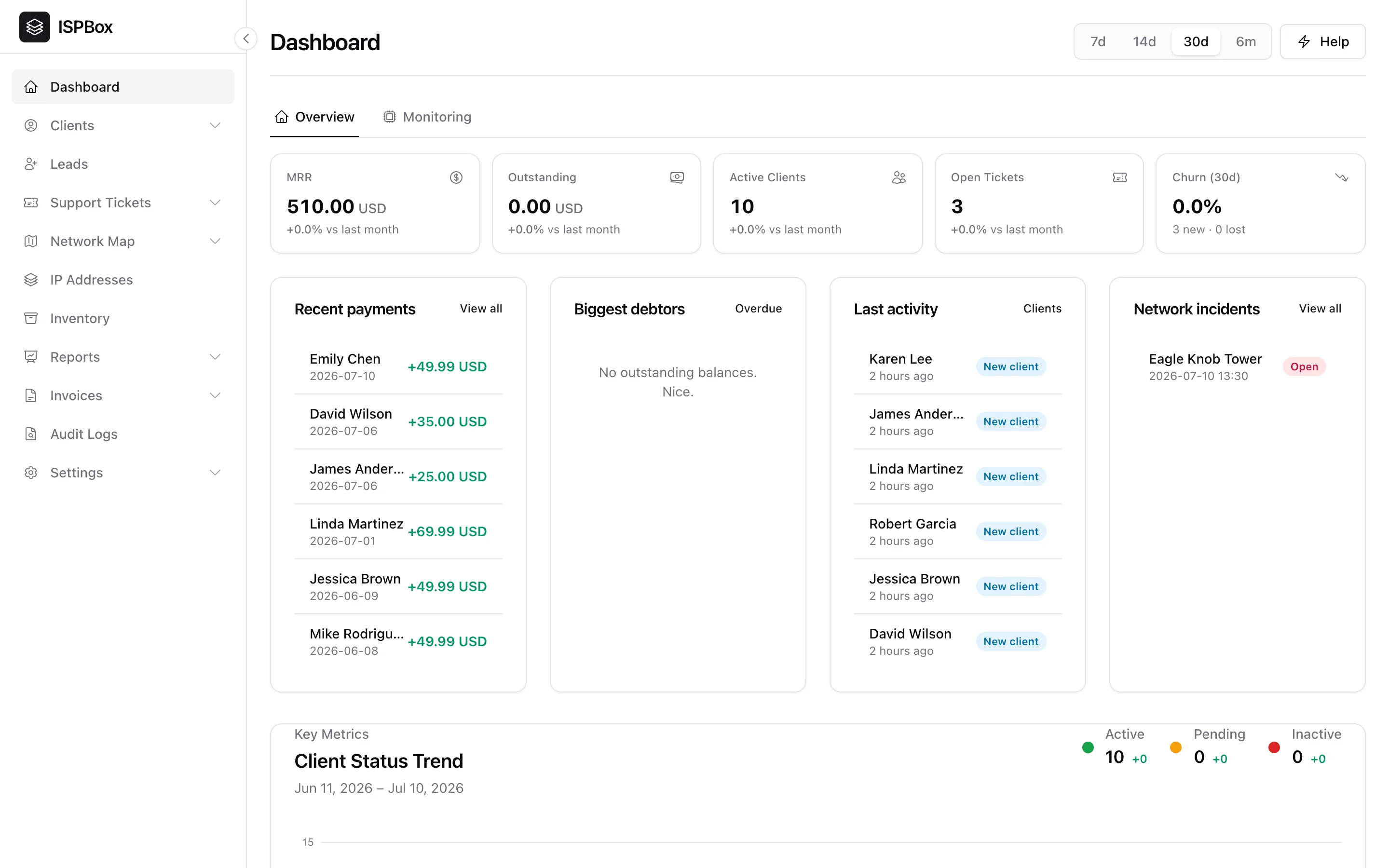
If you are setting up ISPBox for the first time, follow this order:
- Add a router
Choose one of these guides: - Add a package
Create the service plan (price and speed profile): - Add a client
Create the customer record: - Add a service for the client
Assign package + router and create authentication details:
After these 4 steps, your first customer service is ready in ISPBox.